Exports
Church Windows offers many file type options for exporting your data.
Access Exports
Export from the Step 2 screen by clicking  . Click the down arrow for all options or click the Export Document button to select the default of PDF.
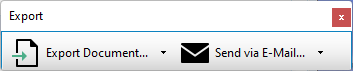
From the Print Preview window, you'll find export options in the controls at the top.

Send via Email
If you have an functional email client installed on your computer, such as Microsoft Outlook, this allows you to save and attach a file to a new message. This differs from the functionality of the Email feature within the program. If you want to email out of Church Windows, you can save your file and attach it when you Send Email.
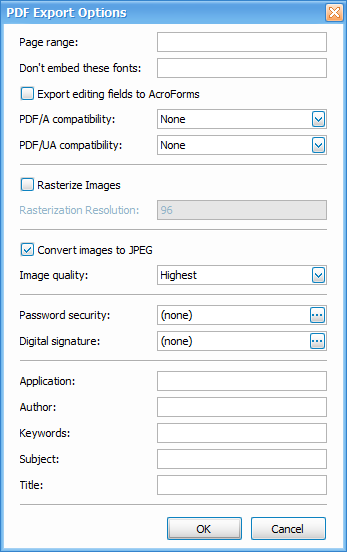
Portable Document Format developed by Adobe. PDF documents are primarily meant to view and distribute. Although some programs enable edits and alteration to PDFs. PDF documents can be opened in a web browser or with Adobe Acrobat.
HTML
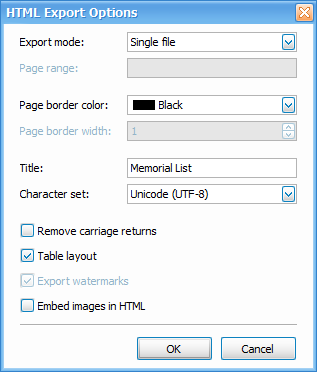
HyperText Markup Language is a markup language for documents and web pages. HTML files display in a web browser.
MHT
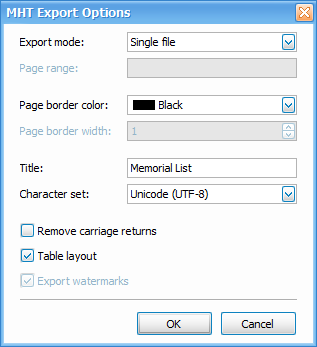
MIME HTML or MHTML is a collection of HTML document. MHT files display in a web browser.
RTF
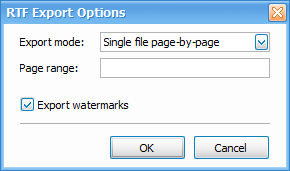
Rich Text Format is type of text file. Rich text refers to the ability to include formatting such as text decoration, font selections and colors. Microsoft no longer updates RTF but most word processors still support it. This file type allows documents to be edited and transferred between different programs and operating systems.
Excel/XLS
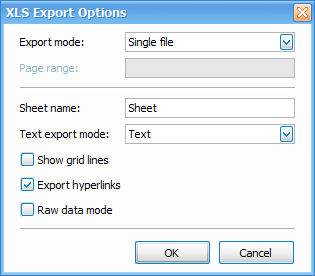
XLS files are a spreadsheet file developed by Microsoft. This file type was replaced by XLSX in 2007, however XLS will open in legacy software and can be converted to a more modern file type. XLS files open in most spreadsheet applications such as Excel, Google Sheets, or OpenOffice.
XLSX
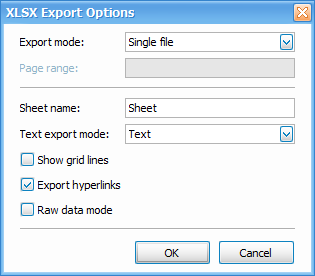
XLSX are a spreadsheet file developed by Microsoft. XLSX files open in most spreadsheet applications such as Excel, Google Sheets, or OpenOffice.
CSV
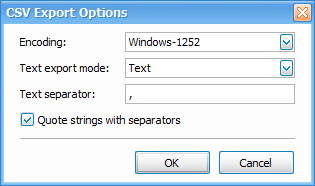
Comma-Separted Values files are commonly used by spreadsheet programs. These consist of plain text data, separated by commas. This format does not include formatting and is often used for import/export with third-party applications. If you intend to manipulate and format the data, the plain text format is easiest starting point that can be converted to another file type after export. CSV files can open in most spreadsheet applications such as Excel, Google Sheets, or OpenOffice.
Text
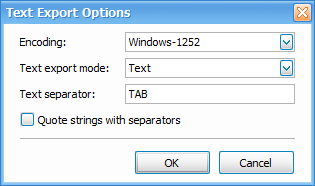
Plain text files are simple documents with unformatted ASCII text. These file types will open in any text editing program such as Notepad or Microsoft Word.
Image
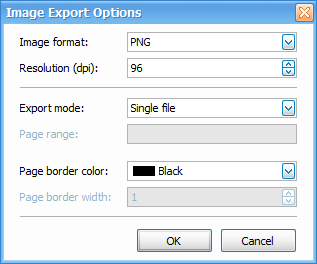
Image files save a picture of the export as an image file. Image exports default to .png files but options include .bmp, .emf, .wmf, .gif, .jpeg, and .tiff.